

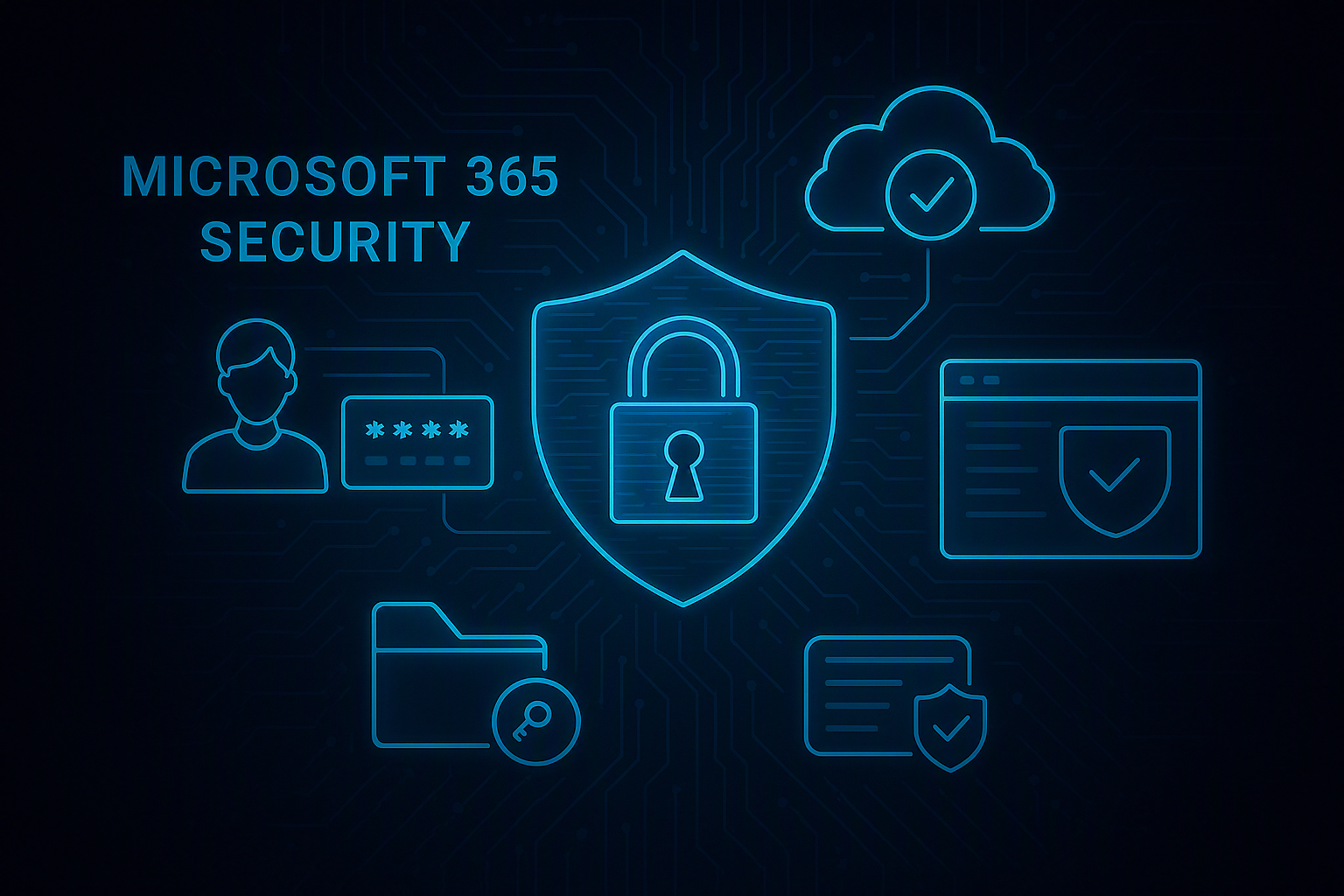
Microsoft 365 has become the backbone of modern workplace productivity, offering tools like Outlook, Teams, SharePoint, and OneDrive. However, with widespread adoption comes increased security risks. Cybercriminals frequently target Microsoft 365 environments due to their high value and accessibility. Implementing strong security practices is essential to protect organizational data and maintain operational integrity.
One of the most critical steps in securing Microsoft 365 is enabling Multi-Factor Authentication (MFA). Passwords alone are no longer sufficient, as attackers often exploit weak or reused credentials. MFA adds an additional layer of security by requiring a second verification method, such as a mobile app or hardware token. This significantly reduces the risk of account compromise.
Another essential feature is Conditional Access, which allows organizations to define policies that control access based on specific conditions. For example, access can be restricted based on user location, device compliance, or risk level. Conditional Access ensures that only authorized users on secure devices can access sensitive resources.
Identity protection plays a central role in Microsoft 365 security. Tools like Azure Active Directory (Azure AD) Identity Protection use machine learning to detect suspicious activities, such as impossible travel or unusual login patterns. These alerts enable IT teams to take immediate action and mitigate potential threats.
Data protection is equally important. Microsoft 365 includes features such as Data Loss Prevention (DLP), which helps prevent sensitive information from being shared or leaked. DLP policies can identify and protect data such as credit card numbers, personal identifiers, or confidential business information.
Email security is another major concern. Phishing attacks often target Outlook users, making it essential to implement advanced threat protection measures. Microsoft Defender for Office 365 provides features such as Safe Links and Safe Attachments, which scan emails for malicious content and block harmful links.
Access management should follow the principle of least privilege. Users should only have access to the resources necessary for their roles. Regular access reviews help ensure that permissions remain appropriate and reduce the risk of unauthorized access.
Monitoring and auditing are critical for maintaining security. Microsoft 365 provides logging and reporting tools that allow organizations to track user activities and identify potential security incidents. Security Information and Event Management (SIEM) solutions can integrate with these logs for enhanced visibility.
Regular user training is also essential. Employees must be educated about phishing, password security, and safe usage of Microsoft 365 tools. Human error remains one of the leading causes of security breaches, making awareness a key defense mechanism.
In conclusion, securing Microsoft 365 requires a combination of technical controls, user awareness, and continuous monitoring. By implementing best practices such as MFA, Conditional Access, and data protection policies, organizations can significantly reduce their risk and safeguard their digital environment.